
Visual Email Editor: Design Emails The Way You Actually Think
Picture this: you have a clear vision for how an email should look, but by the time you describe it to a developer, wait for a build, and go through two rounds of revisions, the final result barely resembles what you had in mind.
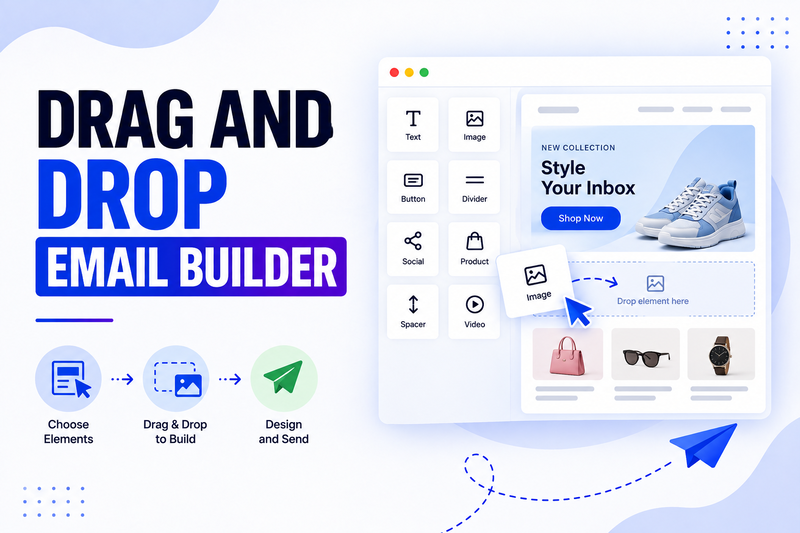
Now imagine seeing your changes happen instantly, as you make them. You move a block, it moves. You change a color, it changes. What you see is exactly what your subscriber will see. That's what a visual email editor gives you: direct control over the actual design, in real time.
Most people think visually, not in code. A good No-code email builder closes the gap between the idea in your head and the email that actually gets sent.
Why A Good Tool Matters
Design by committee and design by translation both slow things down and water down the final result. A visual editor removes the middleman. What you design is what ships.
This matters most when timing is tight. A last-minute change to a promotion or a quick fix to a typo shouldn't require a full round trip through a dev queue. It should take thirty seconds in the editor.
What You Should Look For
First, true WYSIWYG editing, what you see on screen should match the final render exactly, not approximately.
Second, precise control over spacing, alignment, and layout, so your design instincts translate cleanly into the finished product.
Third, a strong image and media library, so you can drop in visuals without leaving the editor.
Fourth, brand asset management, saved colors, fonts, and logos that stay consistent no matter who on the team is building the email.
Fifth, side-by-side desktop and mobile views, so you can design with both experiences in mind at once.
Different Types of Emails You Can Design
Visually rich promotional emails built around strong imagery and bold offers
Product showcase emails with grids, galleries, and featured items
Story-driven newsletters that mix imagery and narrative
Announcement emails for launches that need visual impact
Seasonal campaigns that need quick reskinning around a theme
How To Design Emails That Actually Convert
Lean into contrast. A visual editor gives you full control over color, so use it deliberately: your call to action button should visually stand apart from everything else on the page.
Give your design room to breathe. Just because you can add more doesn't mean you should. White space draws the eye to what actually matters.
Preview constantly. The advantage of a visual editor is instant feedback, so use it. Check your layout after every meaningful change instead of waiting until the end.
The Numbers Behind Good Visual Design
Emails with strong visual hierarchy, meaning a clear focal point and an obvious next step, consistently see higher click-through rates than cluttered, competing layouts.
Brand-consistent visual design also correlates with stronger long-term list engagement, since subscribers build familiarity with a recognizable look over time.
Finding The Right Tool For Your Needs
Basic visual editors are common across most ESPs and cover simple, single-column designs well. If you want finer control over layout, spacing, and brand consistency across a large team, platforms like adflipr offer a more robust visual editing experience built for that level of detail.
Getting Started This Week
Open the Visual email editor and rebuild one existing email purely for the visual experience. Notice what's faster. Notice what you can now adjust that used to require a request to someone else.
Final Thought
Design intuition shouldn't get lost in translation. A strong visual email editor lets your actual eye for design reach the final product, unfiltered, and that difference shows up in every email you send.
Comments
No comments yet. Be the first to comment!